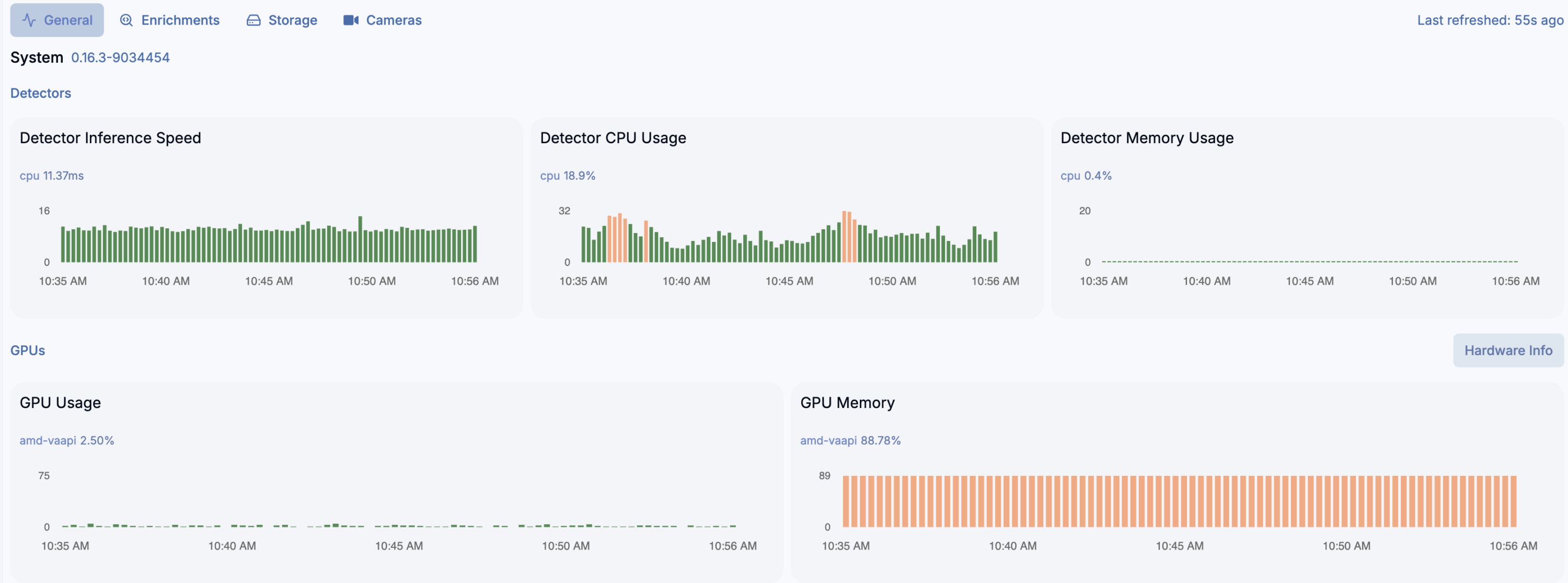
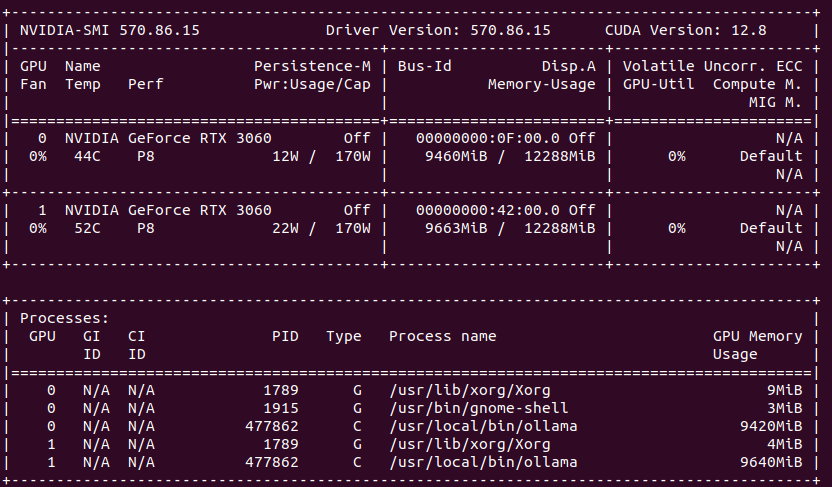
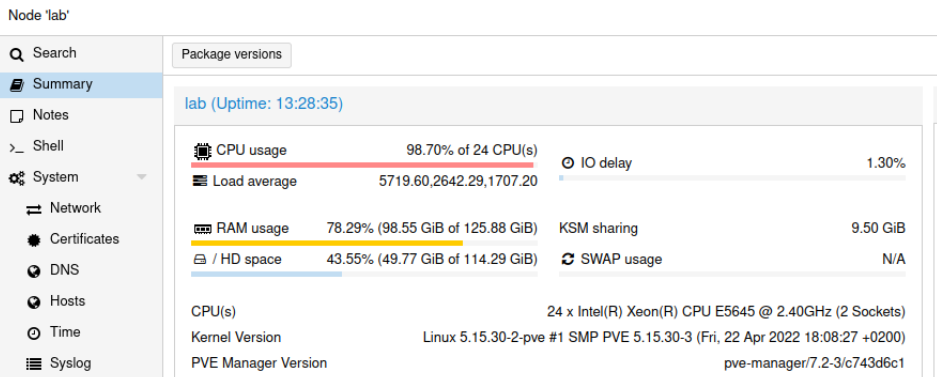
I thought that the best option to run Frigate is to run bare metal and skip virtualization and system containers. However now situation changed a little bit as I was able to fire up Frigate on LXC container on Proxmox with little help of AMD ROCm hardware assisted video decryption.
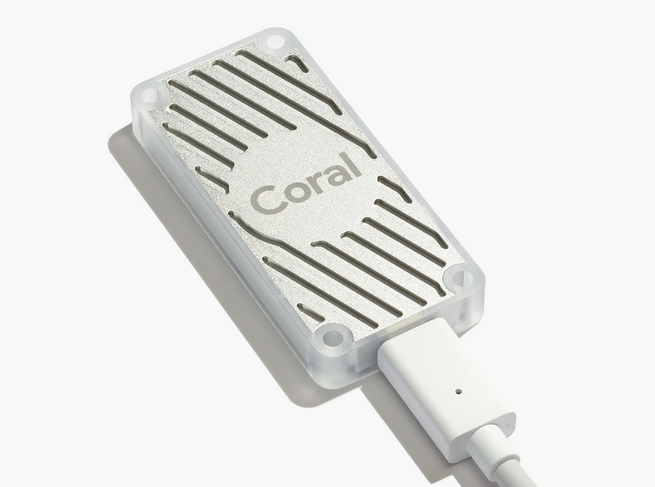
And yes, detection crashes on ONNX and need to run on CPU instead… but video decryption works well. And even more, detection on 16 x AMD Ryzen 7 255 w/ Radeon 780M Graphics (1 Socket) works very well for almost 20 video streams (mixed H264 and H265). You can switch to Google Coral as USB device passed to the LXC container, but what for?
LXC container
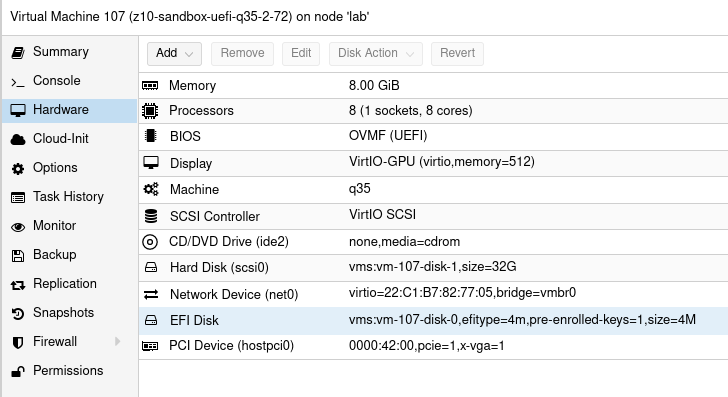
You need to have the following settings:
/dev/dri/renderD128
fuse
mknod
nesting
privileged
ROCm installation
https://rocm.docs.amd.com/projects/install-on-linux/en/latest/install/quick-start.html
wget https://repo.radeon.com/amdgpu-install/7.1.1/ubuntu/noble/amdgpu-install_7.1.1.70101-1_all.deb
sudo apt install ./amdgpu-install_7.1.1.70101-1_all.deb
sudo apt update
sudo apt install python3-setuptools python3-wheel
sudo usermod -a -G render,video $LOGNAME # Add the current user to the render and video groups
sudo apt install rocm
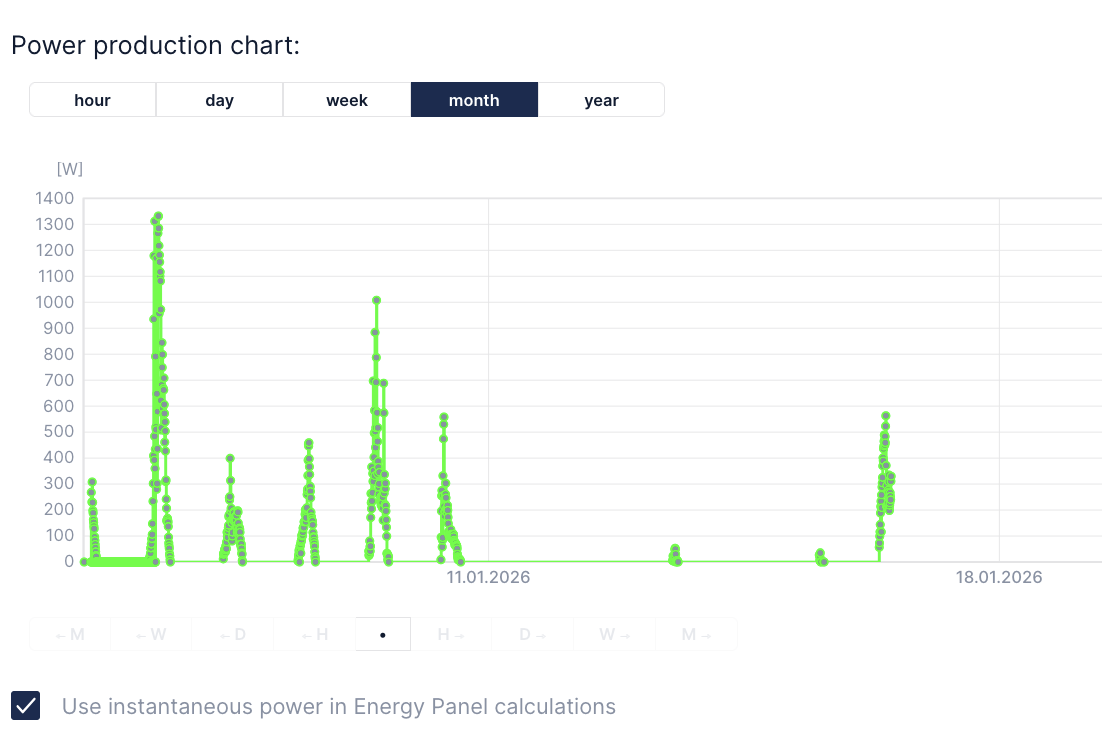
We are using Huawei PV installation on top of our house roof. It has web panel and application available to preview every detail about its settings and working conditions. However I would like to integrate PV power production into my Fibaro HC3. So:
First things first: create Northbound API user in web panel. Select all privileges for data acquisition.
Now you should be looking for active_power field which is your PV production power (in Watts).
Now lets say you want it in Fibaro. I went with QuickApp (Lua) as follows:
function QuickApp:onInit()
self:debug("onInit Huawei Falownik")
self:loop()
end
function QuickApp:loop()
fibaro.setTimeout(1000*60*5, function()
self:debug("Huawei Falownik")
self:debug("Huawei Falownik: login")
local token = ''
local url = "https://eu5.fusionsolar.huawei.com/thirdData/login"
local payload = json.encode({userName="USERNAME",systemCode="PASSWORD"})
net.HTTPClient():request(url, {
options={
data = payload,
method = 'POST',
headers = {
["Content-Type"] = "application/json"
},
timeout = tcpTimeout,
},
success = function(response)
token = response.headers['xsrf-token']
self:debug("Huawei Falownik: getDevRealKpi")
local url2 = "https://eu5.fusionsolar.huawei.com/thirdData/getDevRealKpi"
local payload2 = json.encode({devIds="112233445566778899",devTypeId="1"})
net.HTTPClient():request(url2, {
options={
data = payload2,
method = 'POST',
headers = {
["Content-Type"] = "application/json",
["xsrf-token"]= token
},
timeout = tcpTimeout,
},
success = function(response)
print(response.status)
print(response.data)
activepower=json.decode(response.data)['data'][1]['dataItemMap']['active_power']
self:updateProperty("value", activepower*1000)
self:debug(activepower)
end,
error = function(message)
print("error:", message)
end
})
end,
error = function(message)
print("error:", message)
end
})
self:loop(text)
end)
end
Finally you can setup production meter using this QuickApp. Last thing to remember is traffic limiting on Huawei side sa request data lets say once per 5 minutes or so, otherwise you will get error message instead.
Quick overview of LLM MLX LORA training parameters.
weight_decay
A regularization technique that adds a small penalty to the weights during training to prevent them from growing too large, helping to reduce overfitting. Often implemented as L2 regularization.examples: 0.00001 – 0.01
grad_clip
Short for gradient clipping — a method that limits (clips) the size of gradients during backpropagation to prevent exploding gradients and stabilize training.examples: 0.1 – 1.0
rank
Refers to the dimensionality or the number of independent directions in a matrix or tensor. In low-rank models, it controls how much the model compresses or approximates the original data.examples: 4, 8, 16 or 32
scale
A multiplier or factor used to adjust the magnitude of values — for example, scaling activations, gradients, or learning rates to maintain numerical stability or normalize features.examples: 0.5 – 2.0
dropout
A regularization method that randomly “drops out” (sets to zero) a fraction of neurons during training, forcing the network to learn more robust and generalizable patterns.examples: 0.1 – 0.5
Full fine-tuning of mlx-community/Qwen2.5-3B-Instruct-bf16
Recently I posted article on how to train LORA MLX LLM here. Then I asked myself how can I export or convert such MLX model into HF or GGUF format. Even that MLX has such option to export MLX into GGUF most of the time it is not supported by models I have been using. From what I recall even if it does support Qwen it is not version 3 but version 2 and quality suffers by such conversion. Do not know why exactly it works like that.
So I decided to give a try with full fine-tuning using transformers, torch and accelerate.
Input data
In terms of input data we can use the same format as with LORA MLX LLM training. So there are two kind of files which is train.jsonl and valid.jsonl with the following format:
{"prompt":"This is the question", "completion":"This is the answer"}
Remember that this is full training, not only low rank adapters. So it is a little bit harder to get proper results. It is crucial to get as much good quality data as possible. I take source documents and run augumentation process using Langflow.
Full fine-tuning program
Next there is source code for training program code. You can see that you need transformers, accelerate, PyTorch and Datasets. The first and the only parameter is output folder for weights. After the training is done there are some test questions to be asked in order to verify quality of trained model.
Within 4 epochs and size of 2 batches at a time but accumulated with 12x factor we have been learning at the speed of 5e-5. Our warmup takes 10% of runtime. We run cosine decay with certain weight_decay and gradients normalization. We try to use BF16, do not use FP16 but your milage may vary. Logging take place at every 10 steps (for training loss). We eval every 50 steps (for validation loss). However we save every 100 steps. We save best checkpoint in the end and 2 checkpoints at maximum.
HF to GGUF conversion
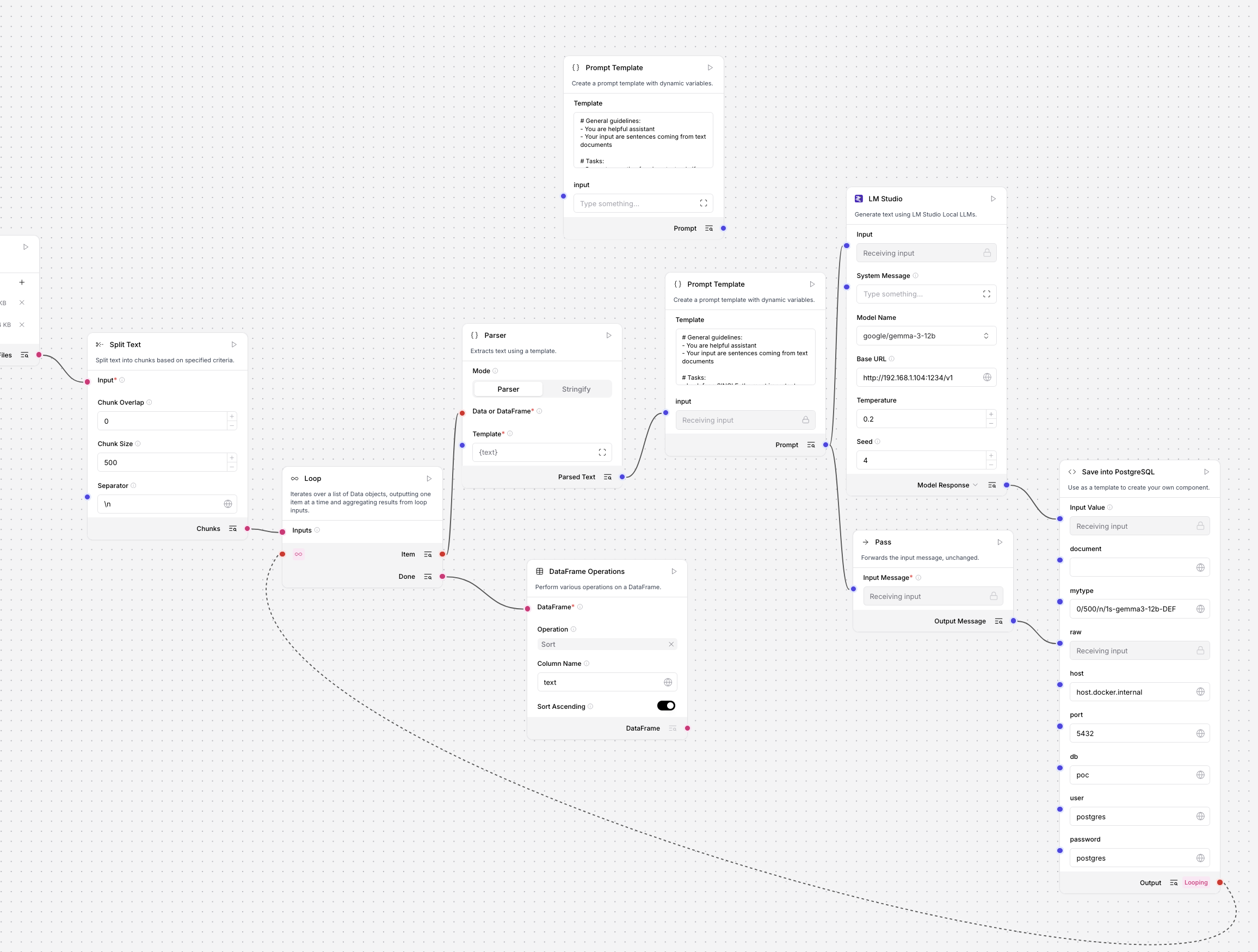
After training finished we convert this HF format into GGUF in order to run it using LMStudio.
# get github.com/ggml-org/llama.cpp.git
# initialize venv and install libraries
python convert_hf_to_gguf.py ../rt/model/checkpoint-x/ --outfile ../rt/model/checkpoint-x-gguf
However it is recommended only do this after test questions gives any good results. Otherwise it will be pointless.
If after test questions we would decide that current weights are capable then we can conver HF format into GGUF two checkpoints, checkpoint-200 and checkpoint-252 as well as some other files like vocab and tokenizer:
Judge the quality yourself, especially comparing to LORA trainings. In my personal opinion full fine-tuning requires much higher level of expertise than just training a subset of full model.
I have done over 500 training sessions using Qwen2.5, Qwen3, Gemma and plenty other LLM publicly available to inject domain specific knowledge into the model’s low rank adapters (LORA). However, instead of giving you tons of unimportant facts I will just stick to the most important things. Starting with the fact that I have used MLX on my Mac Studio M2 Ultra as well as on MacBook Pro M1 Pro. Both fit well to this task in terms of BF16 speed as well as unified memory capacity and speed (up to 800GB/s).
Memory speed is the most important factor comparing GPU hardware withing similar generations of technological process. That is why M2/M3 Ultra with higher memory speeds beats M4 with lower overall memory bandwidth.
LORA and MLX
What is LORA? With this type of training you take only portion of large model and train only small part of parameters, like 0.5 or 1%, which in most of models gives us 100k up to 50M parameters available for training. What is MLX? it is Apple’s array computation framework which boosts machine learning tasks.

How MLX and LORA relates to different frameworks on different hardware? MLX uses slightly different weights organization and different way of achieving the same thing as other frameworks do, but with Apple Silicon speed-up. It is pricey in terms of purchase and power consumption to run modern powerful NVIDIA RTX based training, and it is much more affordable to do this on Mac Studio with lets say 64GB of RAM. Please notice that for ML (GPU related things generally speaking) tasks you get like 75% of your RAM capacity, so on 64GB Mac Studio I get around 45 – 46GB available. Now go online and look for some RTXs with similar amount of VRAM 😉
Configuration
So…
Here you have sample training configuration using Qwen2.5 rather big model which is 14B, pre-trained for Instruct type usage, storing weights in BF16 which is faster to run up to 50% than similar 16 bit floats or even 8 bits weights. I got “only” 64GB and 32GB of memory respectively so I use lower batch_size and higher gradient_accumulation which effectively gives me 4 x 8 batch size.
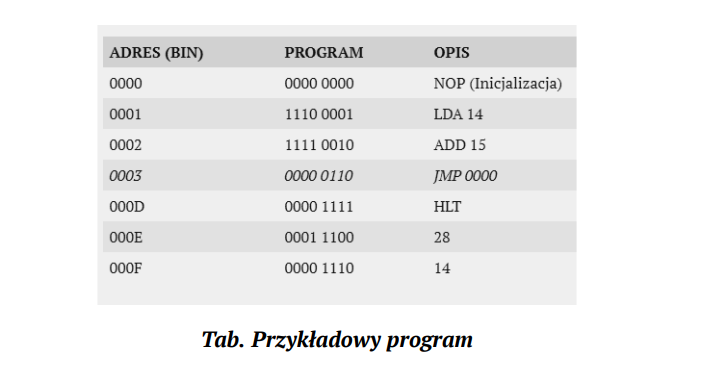

The most important parameters in terms of training are:
number of layers which relates to the number of parameters available for training
weight_decay in terms of generalization
grad_clip is where we defined how small/big is a hole by which we pull gradients, in order to not let them explode which means going higher and higher by sudden
learning_rate is how fast we order model to be trained with our data
lora_parameters/keys we either stick only to self_attn.* or we extend training to cover also mlp.*
rank is to define space to the training
scale also called alpha is the influence factor
dropout is a random removal/correction factor
Now, at different points/phases of training those parameters should and will take different values depending on our use case. Every parameters is somehow related to the other. Like for example learning rate correlates indirectly with WD, GC, rank, scale and d/o. If you change number of layers or rank then you need to adjust the other parameters also. Key factors for changing your parameters:
number of QA in datasets
number of training data vs validation data
data structure and quality
model parameters size
number of iterations/epochs (how many times model sees your data in training)
where you want to either generalize or specialize your data and model interaction
Training
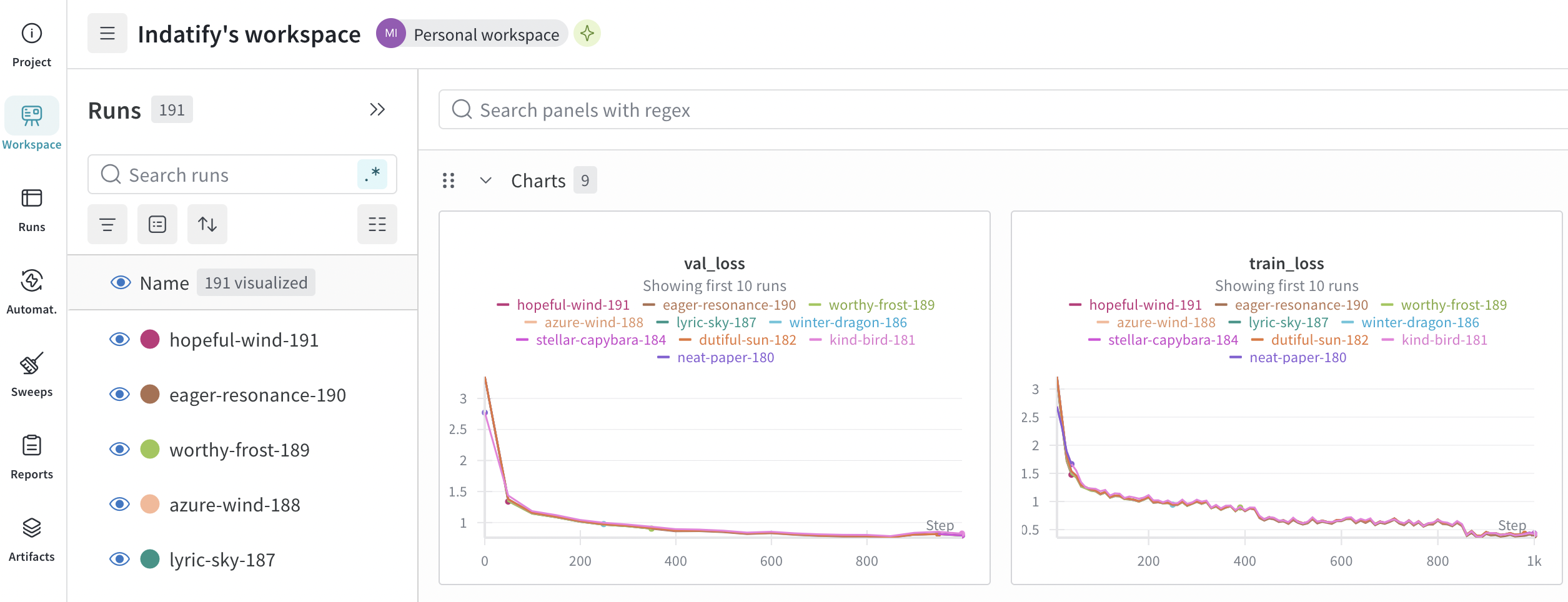
You can run training as follows including W&B reporting for better analysis.
You can monitor your training either in console or oin W&B. Rule of a thumb is that validation loss should go down and should go down together with training loss. Training loss should not be much lower than validation loss which could mean overfitting data which degrades model’s ability to generalize things. Ideal configuratino is go as low as possible, both both validation and training loss.
Iter 850: Val loss 0.757, Val took 99.444s
Iter 850: Train loss 0.564, Learning Rate 1.065e-05, It/sec 0.255, Tokens/sec 177.088, Trained Tokens 581033, Peak mem 33.410 GB
Iter 850: Saved adapter weights to adapters-drs2/adapters.safetensors and adapters-drs2/0000850_adapters.safetensors.
...
Iter 900: Val loss 0.805, Val took 99.701s
Iter 900: Train loss 0.422, Learning Rate 8.303e-06, It/sec 0.248, Tokens/sec 173.218, Trained Tokens 615120, Peak mem 33.410 GB
Iter 900: Saved adapter weights to adapters-drs2/adapters.safetensors and adapters-drs2/0000900_adapters.safetensors.
...
Iter 1000: Val loss 0.791, Val took 99.140s
Iter 1000: Train loss 0.396, Learning Rate 4.407e-06, It/sec 0.248, Tokens/sec 172.078, Trained Tokens 683991, Peak mem 33.410 GB
Iter 1000: Saved adapter weights to adapters-drs2/adapters.safetensors and adapters-drs2/0001000_adapters.safetensors.
Saved final weights to adapters-drs2/adapters.safetensors.
Fusing LORA and exporting GGUF
Once you are ready and done with your traing you can either use LORA adapter in generation of just fuse this LORA adapter it into base model which is more handy as it can be also copied into LMStudio model directory for much more user friendly use and your newly trained model evaluation.
Where $1 is HuggingFace base model path, $2 is model name in output path. You can also fuse into GGUF format by using --export-gguf and you can also convert HF model into GGUF using llama.cpp (https://github.com/ggml-org/llama.cpp.git). Please note that converting it into GGUF or converting it into Ollama “format” will possibly cause quality issues. Cause for this might be because of weights formatting, number representation or other graph difrerences which are by now not idientifed on my side.
You need data to start training. It is whole separate concept aside from properly parametrizing your training process. It is not only data itself but whole augumentation process including paraphrases, synonyms, negative examples, step-by-step etc.
Available formats are as follows:
{"messages": [{"role": "user", "content": "What is AI?"}, {"role": "assistant", "content": "AI is..."}]}
{"prompt": "Explain quantum computing", "completion": "Quantum computing uses..."}
{"text": "Complete text for language modeling"}
Tried all of them and the most applealing seems to be prompt/completion one.
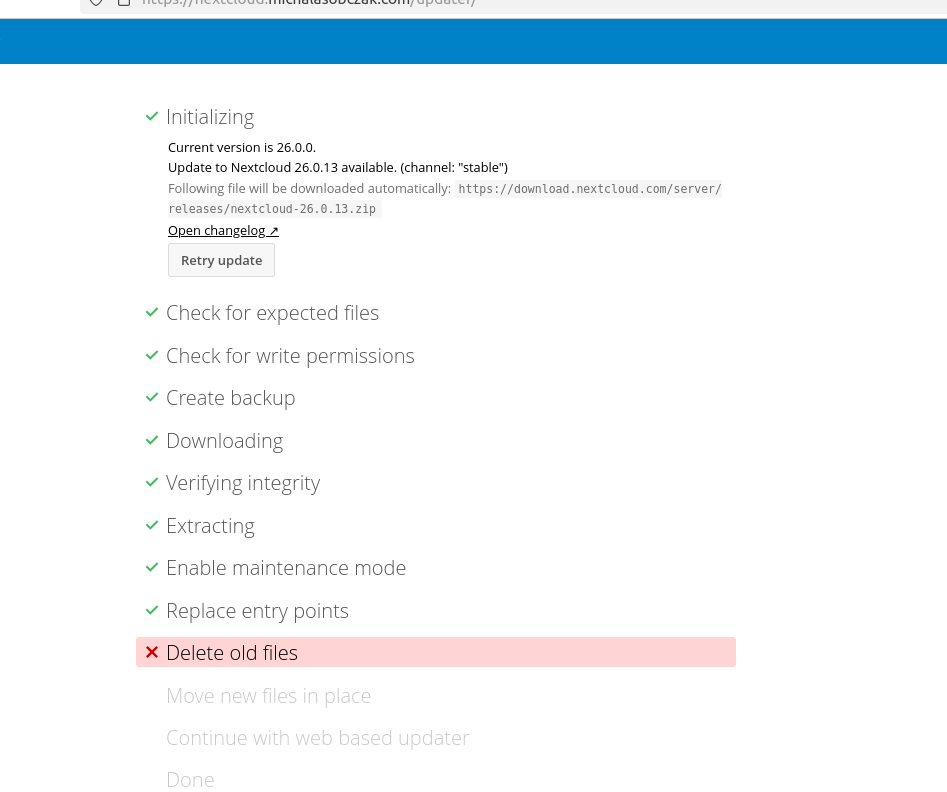
During sync between two Proxmox Backup Server instances I got “decryption failed or bad record mac” error message. So I decided to go for upgrading source PBS to match its version with target PBS.
YOLOX is an anchor-free version of YOLO, with a simpler design but better performance! It aims to bridge the gap between research and industrial communities. For more details, please refer to our report on Arxiv.