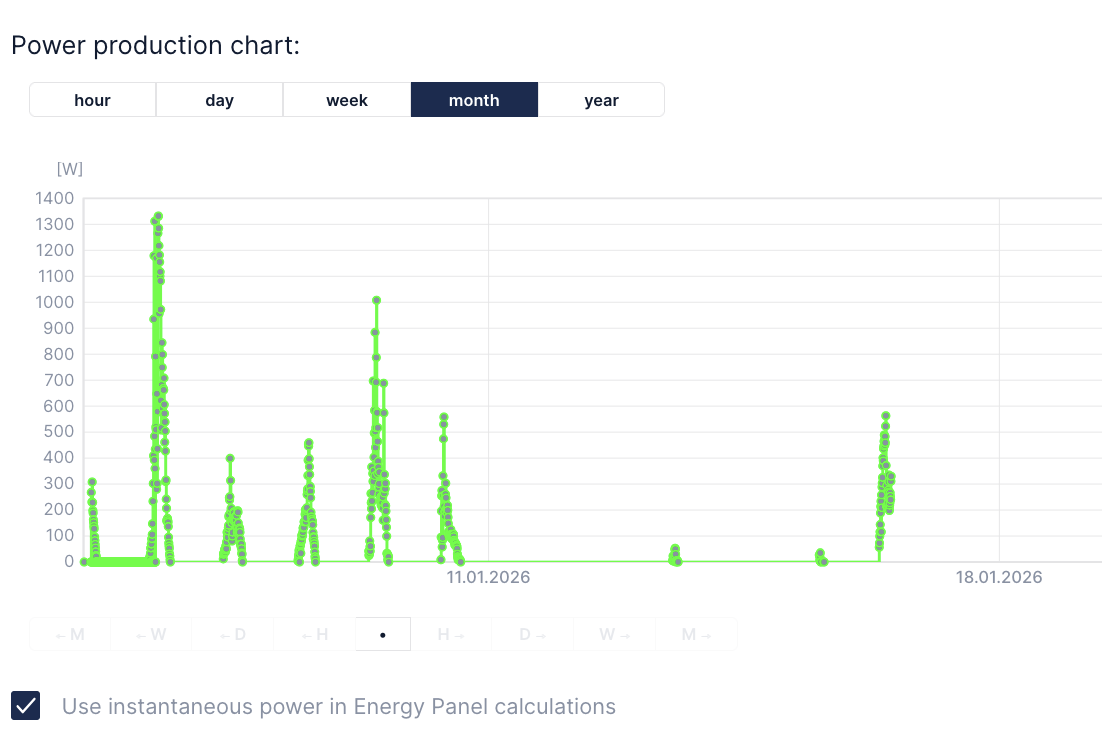
We are using Huawei PV installation on top of our house roof. It has web panel and application available to preview every detail about its settings and working conditions. However I would like to integrate PV power production into my Fibaro HC3. So:
First things first: create Northbound API user in web panel. Select all privileges for data acquisition.
Then grab auth token:
curl -X POST "https://eu5.fusionsolar.huawei.com/thirdData/login" \
-H "Content-Type: application/json" \
-d '{
"userName": "USERNAME",
"systemCode": "PASSWORD"
}' -v
In response you will get xsfr-token in headers data. Now using this auth token you need to get installations list (stations):
url -X POST "https://eu5.fusionsolar.huawei.com/thirdData/getStationList" \
  -H "Content-Type: application/json" \
  -H "xsrf-token: TOKEN" \
  -d '{}' -v
Now using your station ID get list of your devices:
curl -X POST "https://eu5.fusionsolar.huawei.com/thirdData/getDevList" \
-H "Content-Type: application/json" \
  -H "xsrf-token: TOKEN" \
  -d '{
"stationCodes": "NE=123456789"
}' -v
To retrieve sort of real time data you need to know your device ID from previous request:
curl -X POST "https://eu5.fusionsolar.huawei.com/thirdData/getDevRealKpi" \
-H "Content-Type: application/json" \
  -H "xsrf-token: TOKEN" \
  -d '{
"devIds": "112233445566778899",
"devTypeId":"1"
}' -v
Now you should be looking for active_power field which is your PV production power (in Watts).
Now lets say you want it in Fibaro. I went with QuickApp (Lua) as follows:
function QuickApp:onInit()
    self:debug("onInit Huawei Falownik")
    self:loop()
end

function QuickApp:loop()
    fibaro.setTimeout(1000*60*5, function()
        self:debug("Huawei Falownik")
        self:debug("Huawei Falownik: login")
        local token   = ''
        local url     = "https://eu5.fusionsolar.huawei.com/thirdData/login"
        local payload = json.encode({userName="USERNAME",systemCode="PASSWORD"})
        net.HTTPClient():request(url, {
            options={
            data    = payload,
            method  = 'POST',
            headers = {
                ["Content-Type"] = "application/json"
            },
            timeout = tcpTimeout,
            },
            success = function(response)
                token = response.headers['xsrf-token']
                self:debug("Huawei Falownik: getDevRealKpi")
                local url2 = "https://eu5.fusionsolar.huawei.com/thirdData/getDevRealKpi"
                local payload2 = json.encode({devIds="112233445566778899",devTypeId="1"})
                net.HTTPClient():request(url2, {
                    options={
                    data    = payload2,
                    method  = 'POST',
                    headers = {
                        ["Content-Type"] = "application/json",
                        ["xsrf-token"]= token
                    },
                    timeout = tcpTimeout,
                    },
                    success = function(response)
                        print(response.status)
                        print(response.data)
                        activepower=json.decode(response.data)['data'][1]['dataItemMap']['active_power']
                        self:updateProperty("value", activepower*1000)
                        self:debug(activepower)
                    end,
                    error = function(message)
                        print("error:", message)
                    end
                })
            end,
            error = function(message)
                print("error:", message)
            end
        })
        self:loop(text)
    end)
end
Finally you can setup production meter using this QuickApp. Last thing to remember is traffic limiting on Huawei side sa request data lets say once per 5 minutes or so, otherwise you will get error message instead.