Commodore 64: restoration and 3D graphics in BASIC, C and assembly
Disclaimer: the projects described here are the result of my own independent work, done without the use of AI. This article itself was written with the help of AI.
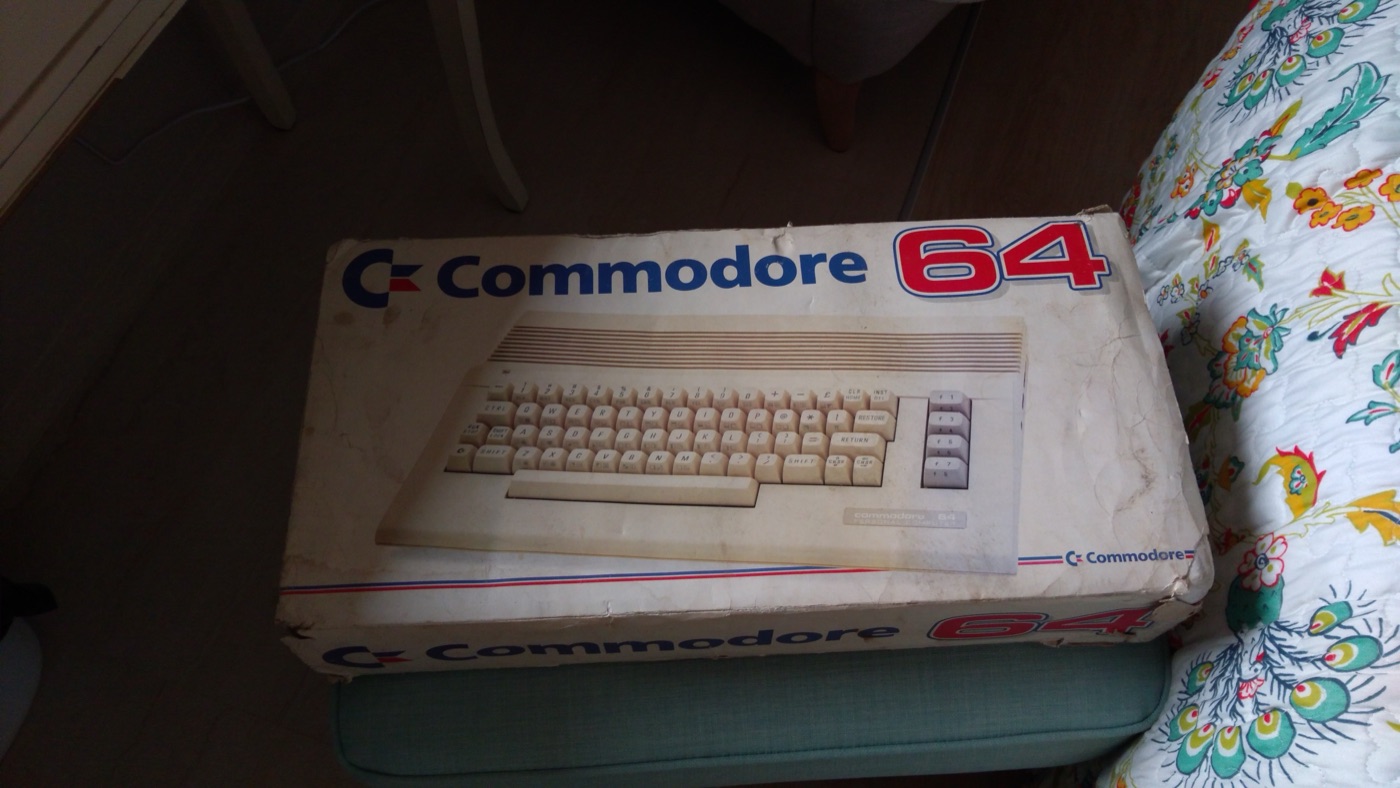
In June 2018 I got a Commodore 64 in its original box. The c64 repository is what came out of it: a restoration photo log and three implementations of the same goal, a rotating 3D wireframe model, in the three languages the machine can realistically be programmed in.
Restoration #
The computer was complete but dirty and yellowed. I took it apart, cleaned the case and every key separately, and put it back together.
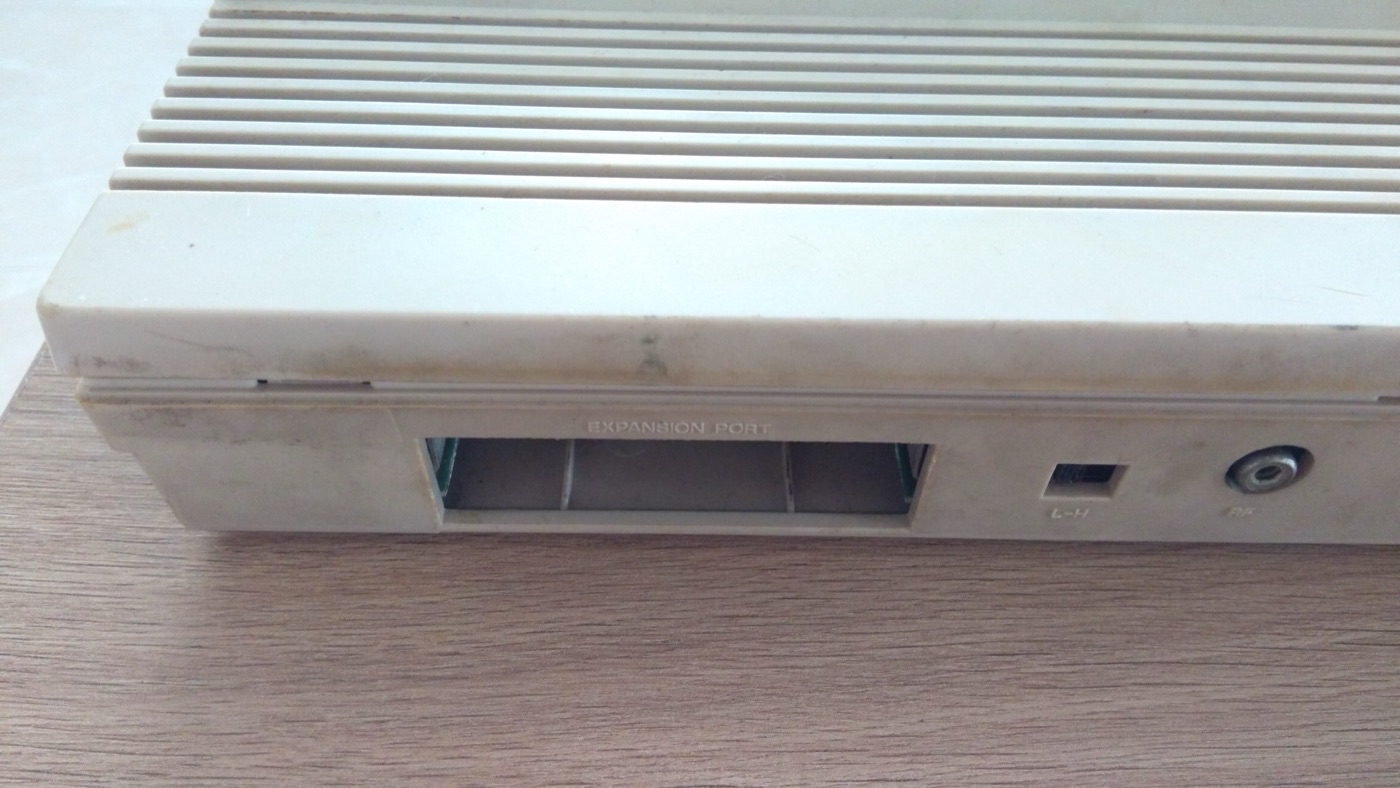
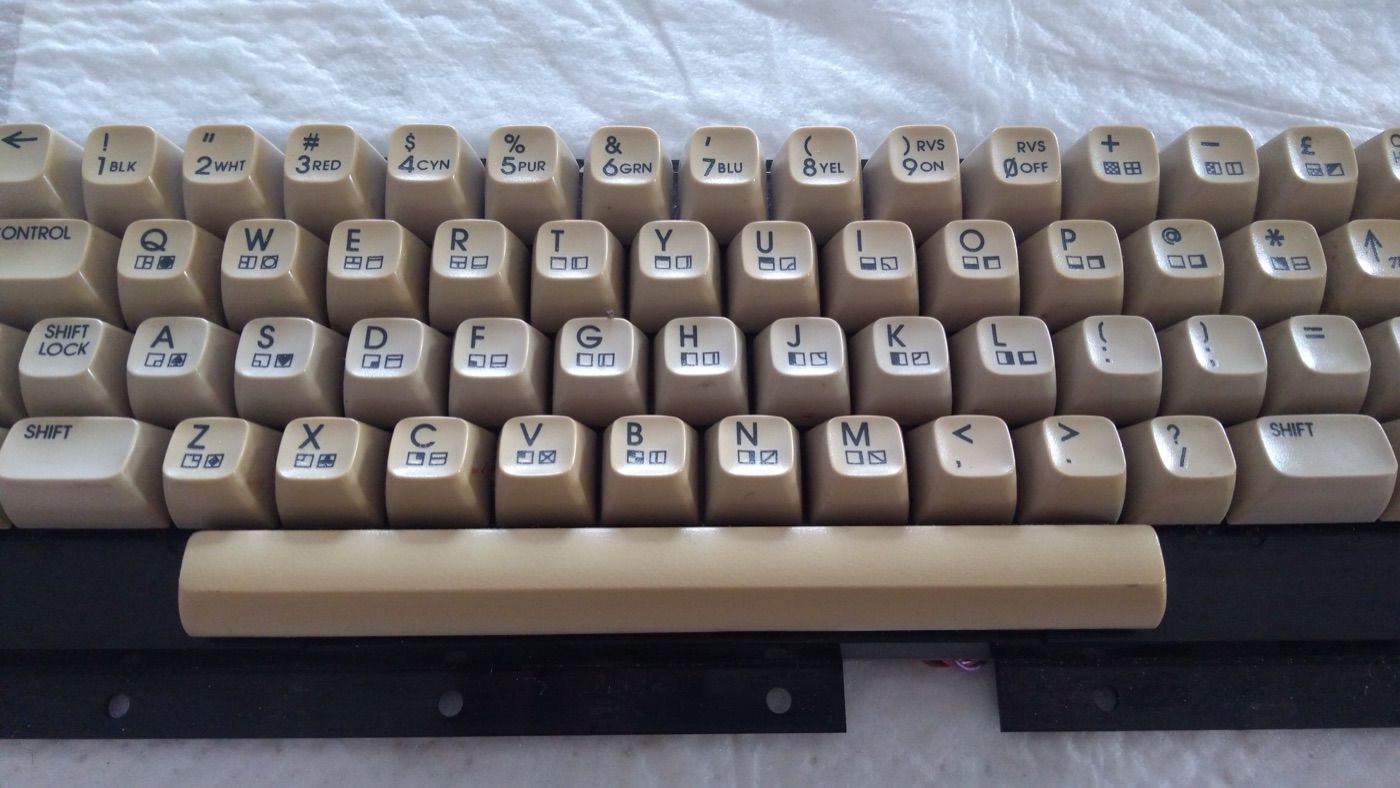
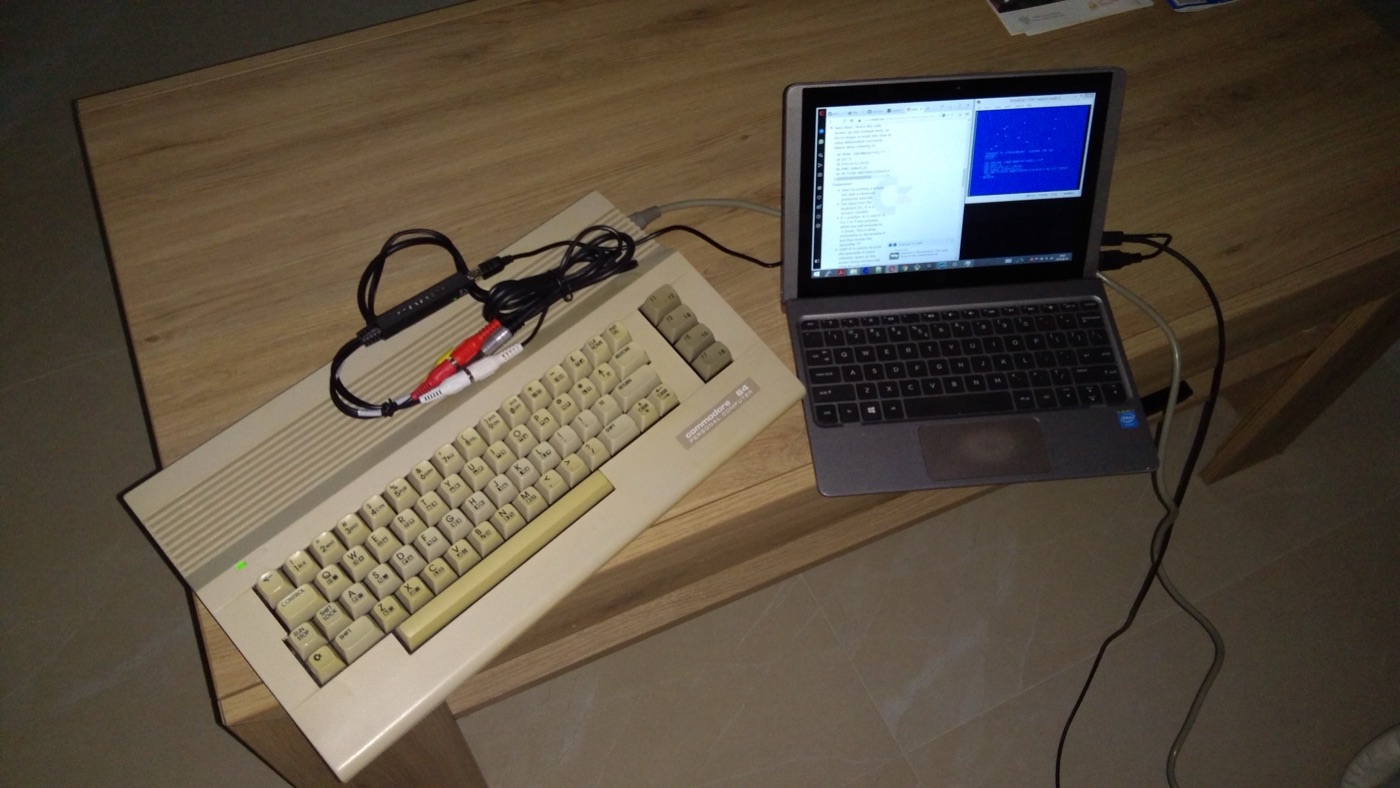
There is no monitor with an RF input in my house any more. The most comfortable setup turned out to be the S-Video output connected to a cheap USB frame grabber, with VirtualDub showing the picture on a laptop:
For day-to-day development I used the VICE emulator and moved to real hardware only to check the result.
One renderer, three languages #
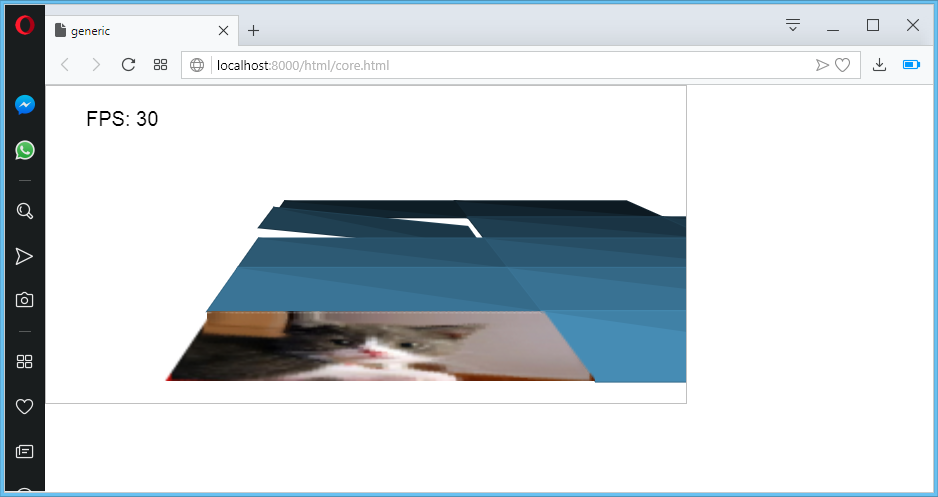
The reference was generic, my JavaScript 3D engine from 2013. Its math (rotation matrices, camera, perspective division) is simple enough to port to almost anything. The question was how far a 1 MHz 6510 with 64 KB of RAM can take it.
BASIC 2.0 #
The first version is plain Commodore BASIC (main.bas): rotation matrices in DIM arrays and the perspective projection of each vertex. It does not draw yet. Instead it prints the projected coordinate and how many ticks the calculation took, plus FRE(1)+65536 to see how much memory is left. That was the point: to measure how expensive the math alone is before writing any graphics code.
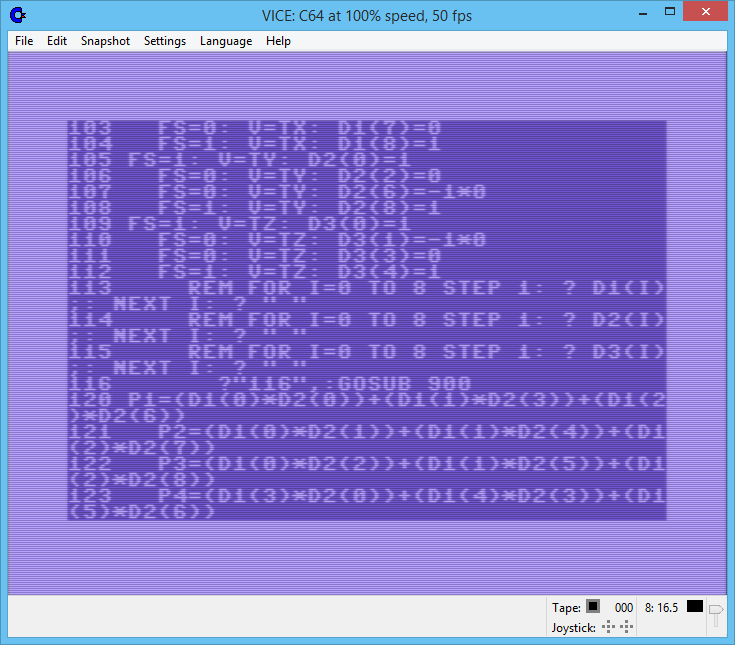
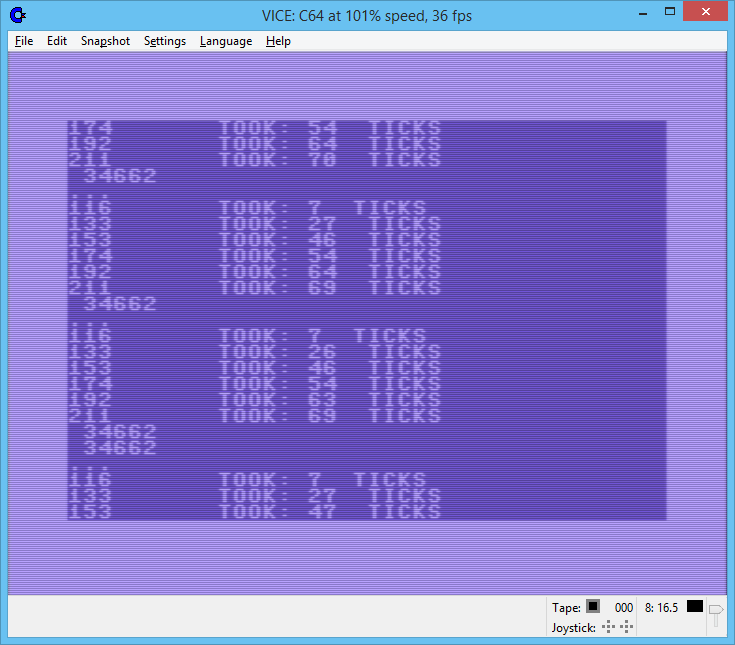
A separate program, bitmap_mode.bas, enters bitmap mode with two POKEs to the VIC-II and fills the screen with colour, cycling through colours forever:
5 base=2*4096
9 poke 53272,peek(53272)or8
10 poke 53265,peek(53265)or32
15 co = 3
20 for i = base to base+7999: poke i,0: next
30 for i = 1024 to 2023: poke i, co: next
35 co = co + 1
40 goto 20
The easiest way to run either listing is to paste it into VICE after NEW and type RUN.
C with cc65 #
cc65 is a C compiler, assembler and linker for the 6502 family. One command produces a program with a BASIC header, so it starts with a normal autostart in VICE:
cl65 -r -O main.c -t c64
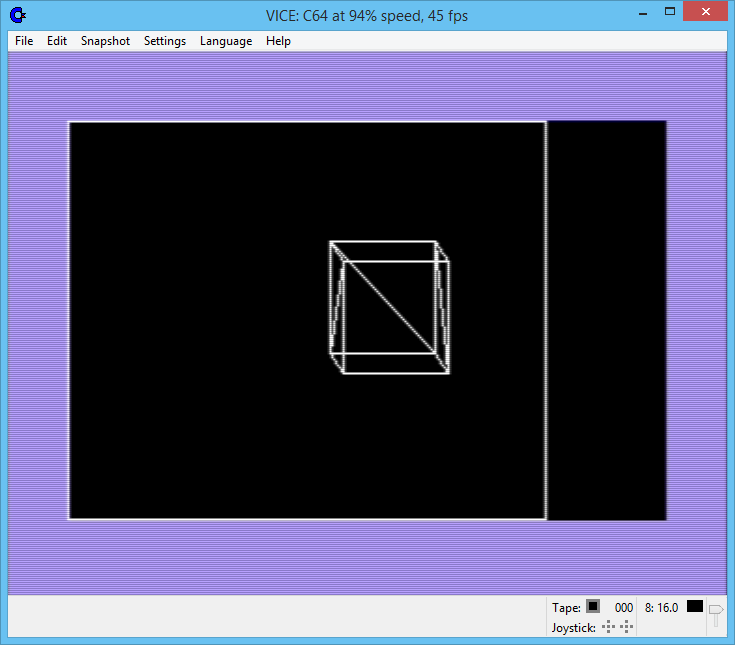
-r enables register variables (cc65 allows up to 6 per function, kept in zero page). The model is a cube defined as vertices and faces, and the renderer redraws only when a key press changes the camera.
Replacing TGI
cc65 ships with TGI, a portable graphics library. It is convenient but big and slow, so I replaced it with direct VIC-II and CIA register access. This switches to bitmap mode and selects the VIC-II bank:
void video_init() {
  // DATA DIRECTION
  TMP1 = *(byte*) 0xDD02;
  TMP1 = TMP1 | 3;
  *(byte*) 0xDD02 = TMP1;
  // VIC-II BANK
  TMP1 = *(byte*) 0xDD00;
  TMP1 = TMP1 & 252;
  *(byte*) 0xDD00 = TMP1;
  // BITMAP LOCATION, RELATIVE TO VIC-II BANK
  *(byte*)0xD018 = 0x48;
  // BITMAP MODE (POKE53265,PEEK(53265)OR32)
  TMP1 = *(byte*) 0xD011;
  TMP1 = TMP1 | 32;
  *(byte*) 0xD011 = TMP1;
  video_clear();
}
The second optimisation was to stop clearing the whole bitmap each frame. The program keeps the previous frame's projected vertices and overdraws only those lines in the background colour.
Memory map
Knowing where things live is half the work on this machine. The layout I ended up with for a cc65 program:
| Address | What |
|---|---|
$0400–$07FF |
text screen |
$0800– |
program code (BASIC header + compiled C) |
up to $CFFF |
free RAM; heap grows up, C stack grows down from $CFFF |
$D000–$D3FF |
VIC-II registers |
$D400–$D7FF |
SID |
$DC00–$DDFF |
CIA 1 and CIA 2 |
$E000–$FFFF |
KERNAL ROM |
Keyboard state is read from zero page at $00CB instead of going through the KERNAL.
Models from Blender
Typing vertex lists by hand gets old fast. A small Ruby script reads a Wavefront OBJ file exported from Blender and prints C arrays ready to paste into main.c:
cd models
ruby 0_parser.rb cube.obj
The number of vertices matters a lot: on the C64 the matrix math takes far longer than drawing the lines.
6502 assembly with DASM #
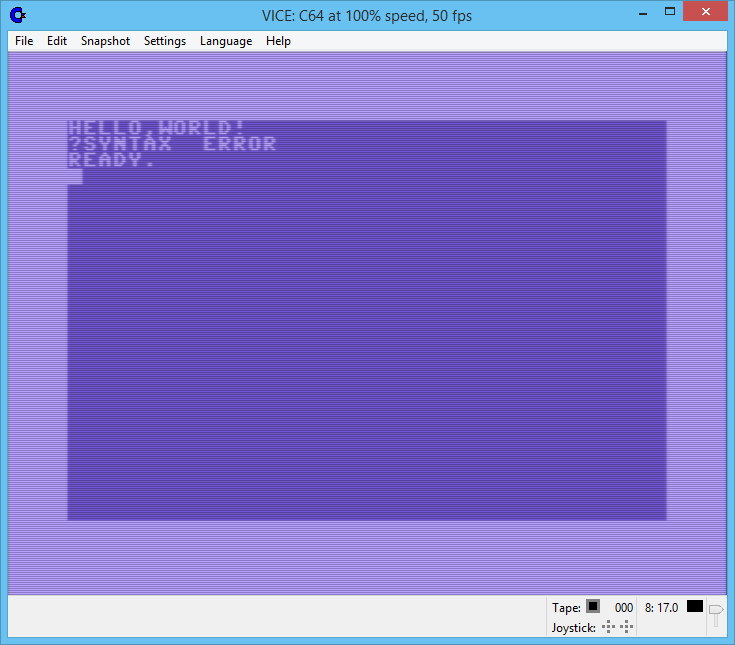
The assembly part is the beginning of the third port. It uses DASM macros wrapping KERNAL and BASIC ROM routines (print string, set cursor, clear screen, print number) and is started from BASIC with SYS 4096, because the code is placed at $1000:
   processor 6502
   org    $1000
R_PRINT_STRING = $AB1E
R_SET_CURSOR   = $E50C
R_CLEAR_SCREEN = $E544
  mac puts
    lda #<{1}
    ldy #>{1}
    jsr R_PRINT_STRING
  endm
What I took from it #
- The same algorithm in BASIC, C and assembly is the clearest lesson in "cost of abstraction" I know. cc65 code is much bigger than hand-written assembly, and interpreted BASIC is far slower than both.
- On 8-bit hardware drawing is cheap and math is expensive. Integer-only arithmetic, precomputed values and redrawing only what changed matter more than anything else.
- The 3D projection from this project went on to the x86 boot sector, the ESP8266 and later to OpenCL in Simple High Performance Computing.
Source: github.com/michalasobczak/c64. See also the overview of my hands-on projects.